Storm Dance
I extracted MoCap from 2D video of dancer Storm Royale's choreography, mapped it onto a mannequin in Blender, and covered the body in physics-driven hair particles.
The Idea
Worked with dancer Storm Royale to capture her choreography and run it through a pipeline that turns 2D dance footage into a 3D physics experiment. The question was simple: what happens when you take a real human performance, extract the motion data using AI, put it on a digital body, and then cover that body in hair particles governed by physics? How does the dance look when it's expressed through a completely different material?
The hair particles respond to every acceleration, pause, and direction change in the choreography. Fast movements send strands streaming outward. Stillness lets them settle. The result is a visualization that reveals the hidden physics of dance, forces and velocities that are invisible when watching a human body but become tangible when expressed through simulated material. Started with a single color, then assigned different colors to different body regions to better see how the physics behaved across the full range of movement.
Pipeline
01 - Capture Footage
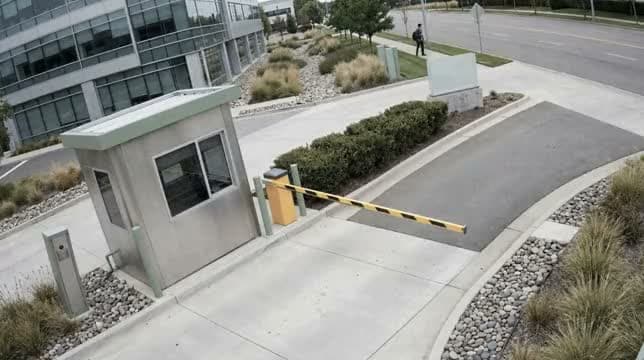

Recorded Storm Royale performing her choreography on video. The footage needed to be clean enough for the AI to accurately track her full body: clear silhouette, consistent lighting, minimal occlusion. This raw video became the sole input for the entire pipeline.
02 - Rotoscope & Isolate
Rotoscoped Storm out of the footage to isolate her figure from the background. Clean isolation was critical for the AI MoCap extraction. Any background noise or artifacts would introduce errors in the skeletal tracking. The roto pass gave the AI a clean body silhouette to work from.
03 - AI Video-to-MoCap
Fed the isolated footage through an AI motion capture pipeline that extracts 3D skeletal animation data from 2D video. No physical suit, no sensors, no studio. Just a camera and an algorithm. The AI tracked every joint position frame by frame and output standard MoCap data that could be applied to any 3D rig.
04 - 3D Model & Hair Physics
Applied the extracted MoCap data to a 3D mannequin in Blender, then added hair particle systems across the entire body. Blender's physics engine drives the hair: gravity, collision, and velocity all react to the dance in real time. Started with uniform color to study the overall behavior, then assigned distinct colors per region to isolate how different parts of the body generate different particle dynamics.
Outputs
Original MoCap Capture
AI-extracted motion capture data applied to 3D mannequin, Storm Royale's choreography translated into skeletal animation.

Isolated Motion
Isolated angle on the hair particle system, stripping away context to focus purely on how the physics reacts to each movement in the choreography.

3D Motion Capture
The AI-extracted skeletal data driving the mannequin. Every joint tracked frame by frame from 2D video, no suit or sensors, just an algorithm reconstructing 3D motion from a single camera.

Fur Shader, Single Color
Uniform color fur shader applied across the full body, a single hue to study the overall physics behavior before any color variation was introduced.

Full Dance Cycle
Complete animated loop of the final render, hair particles in full color reacting to every movement of the choreography through Blender's physics engine.