SYNTHETIC SURVEILLANCE
AMBIENT.AIAI-generated CCTV footage, built to demo and stress-test behavioral security-detection models.
Simulated CCTV incident reels for Ambient.ai’s behavioral-detection platform. One threat actor, five cameras, one escalating breach, a precursor at every stage. Every frame AI-generated.
Ambient.ai's software watches existing cameras and flags behaviour before an incident: a badge-reader tailgate, someone testing a fence line. Nobody can stage that on a real site.
One client spreadsheet ran the job: a row per camera with scenario, casting and notes, plus two tabs of five-camera incidents noting what to catch at each stage.
The flagship “Planned Breach”: one threat actor, five cameras, vehicle gate to executive suite.
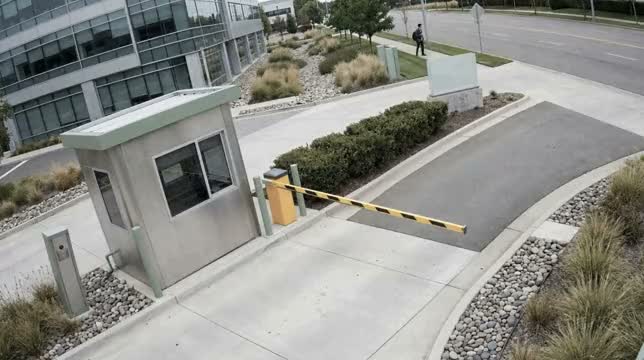
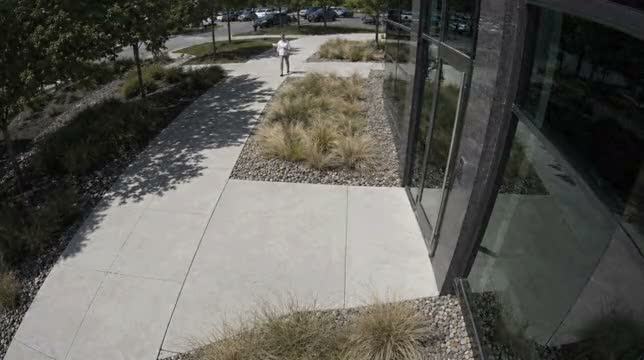
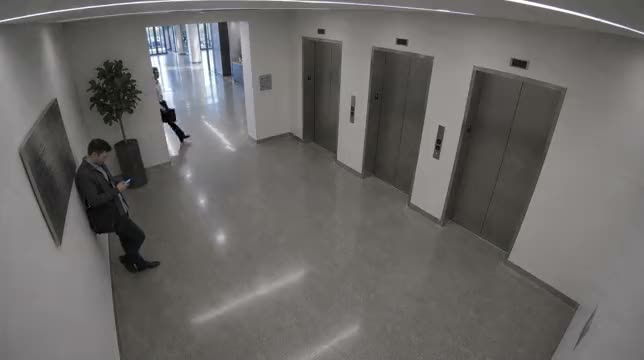
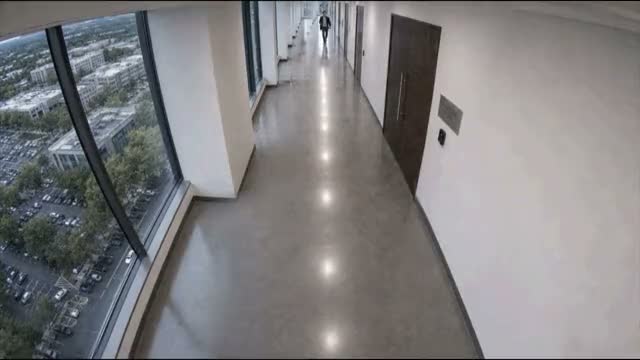
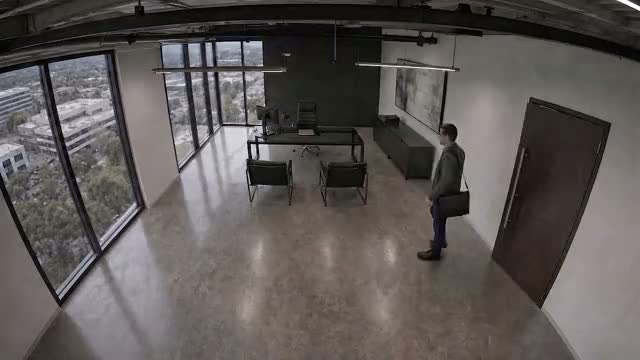
The wider camera network across the corporate campus.
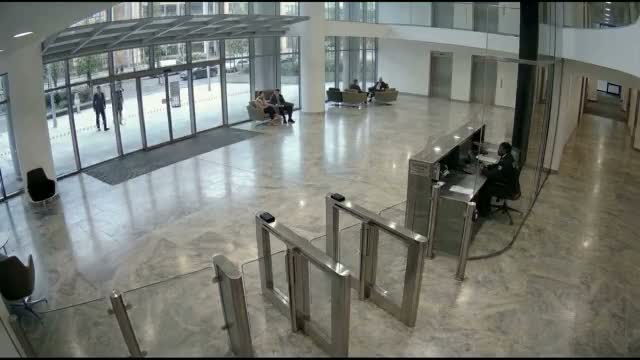
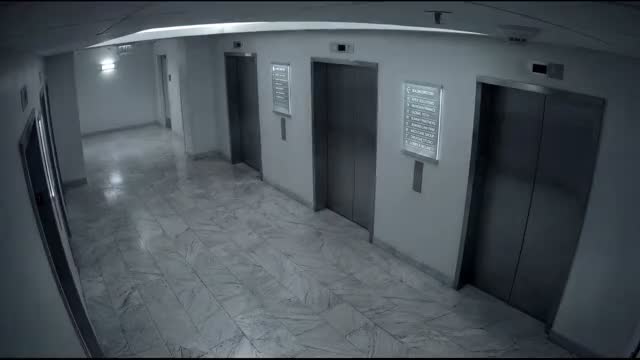
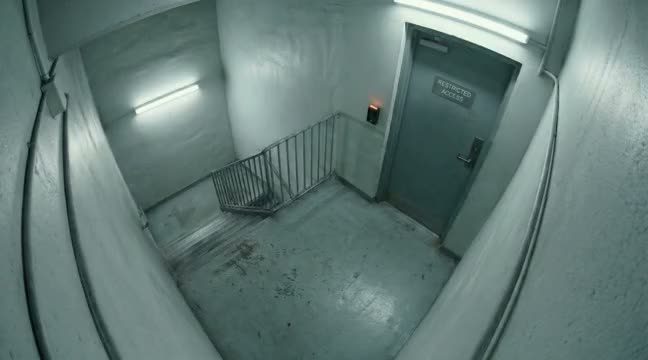
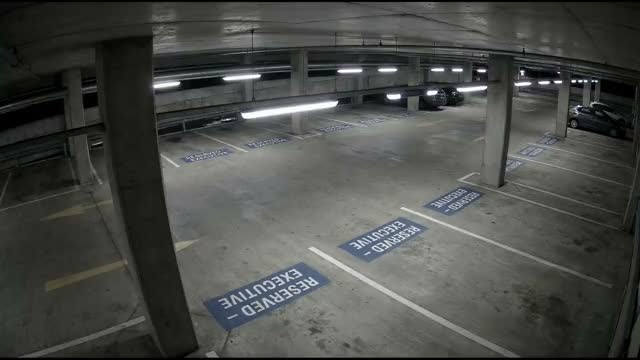
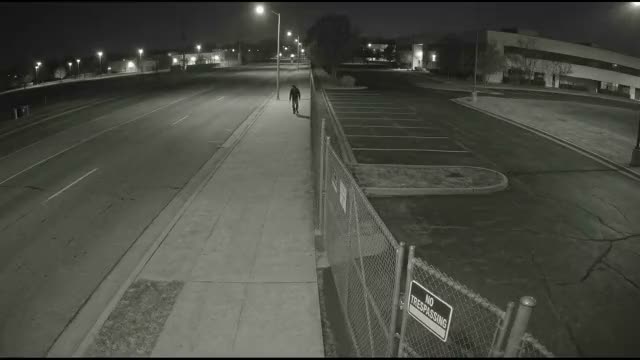
“The Campus Intrusion”: street-side recon, a weak fence junction, and transit toward an occupied wing.
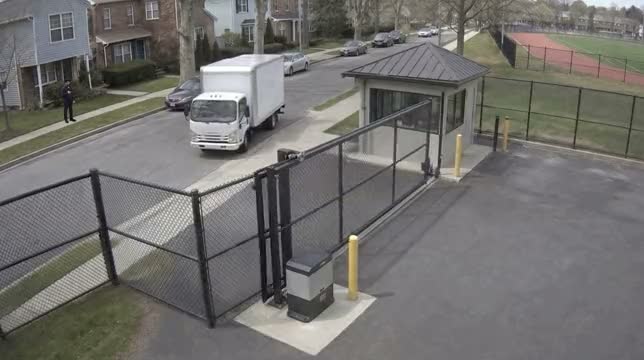
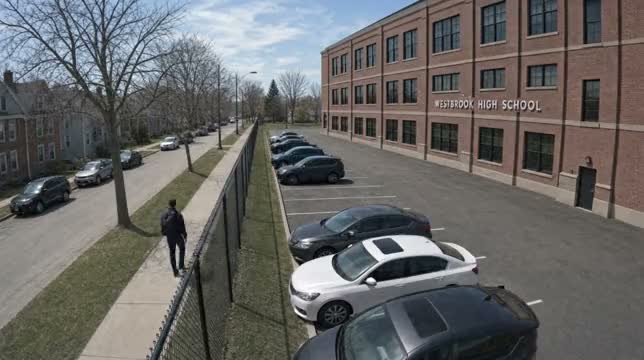
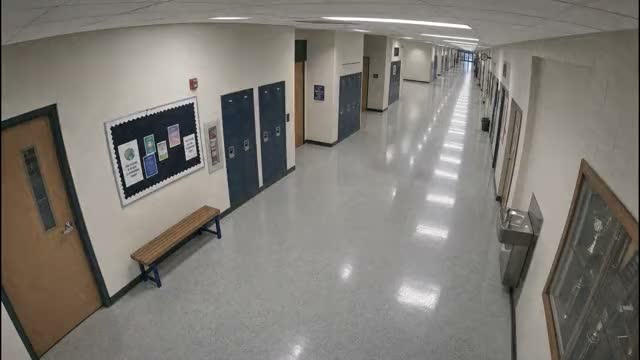
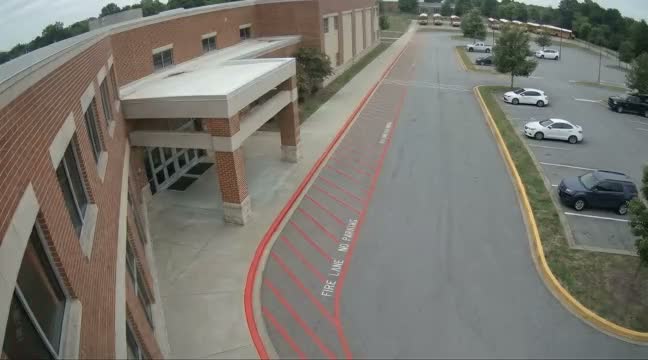
The surrounding campus cameras.
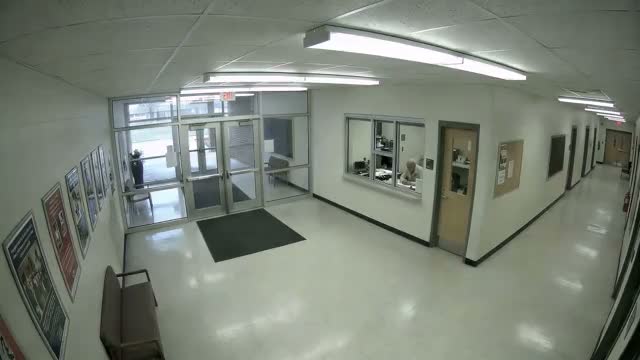
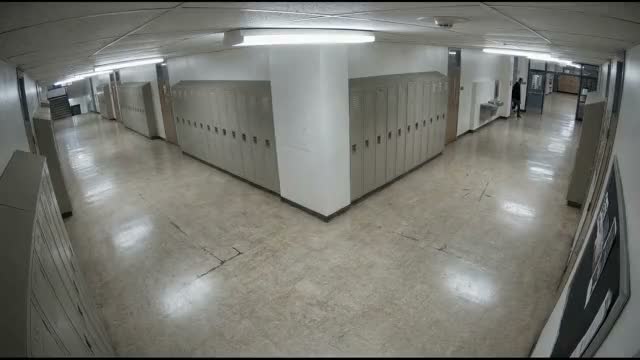
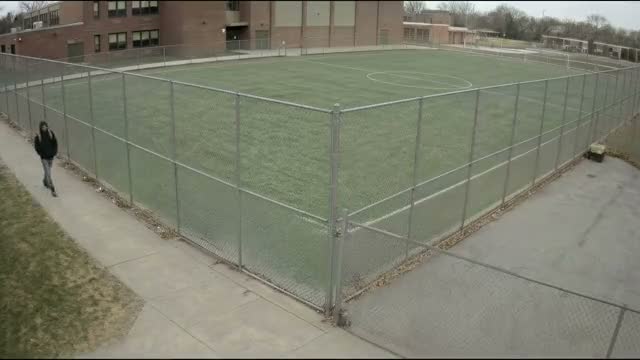
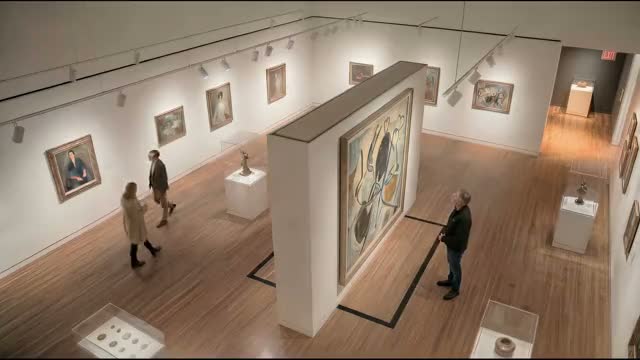
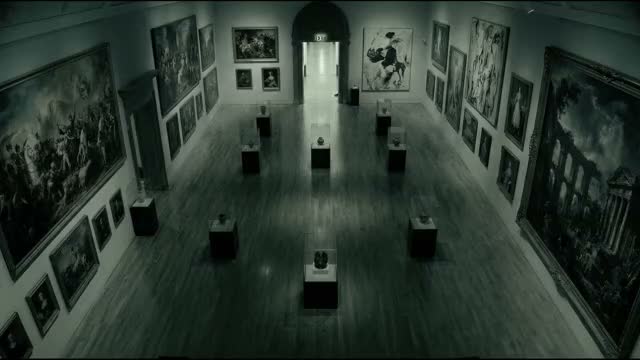
Galleries, exhibit storage, and after-hours interiors for cultural institutions.
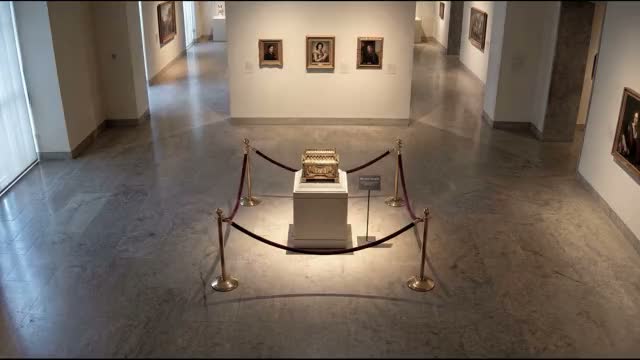
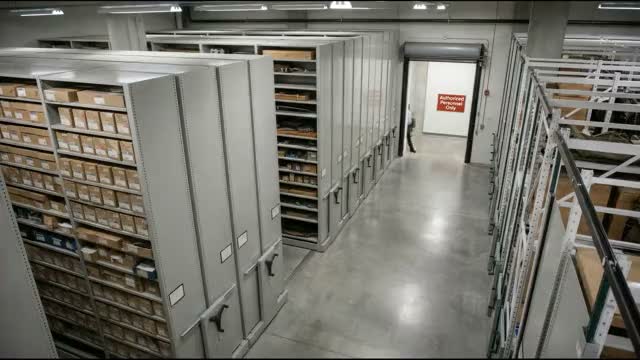
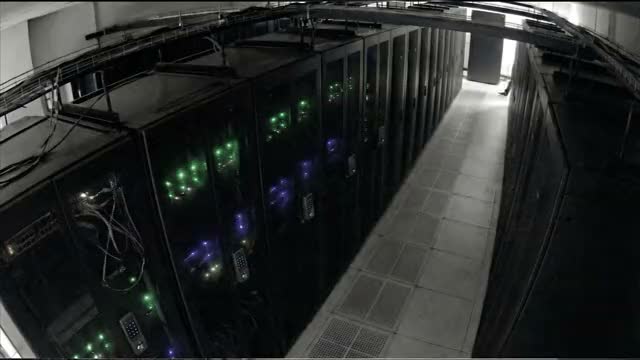
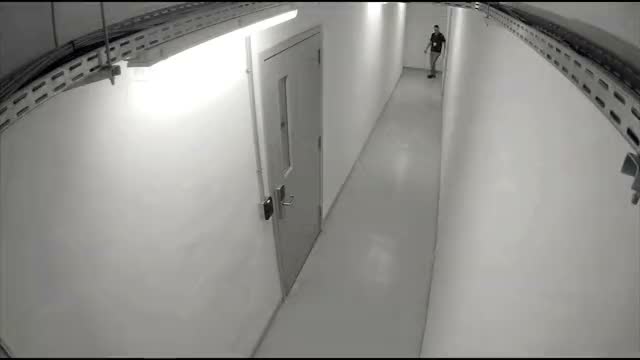
Server floors and the interior infrastructure that surrounds them.
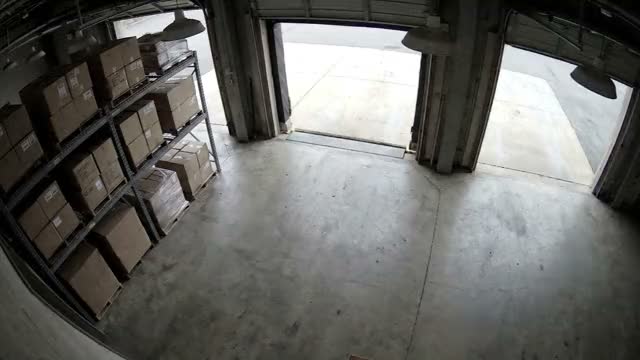
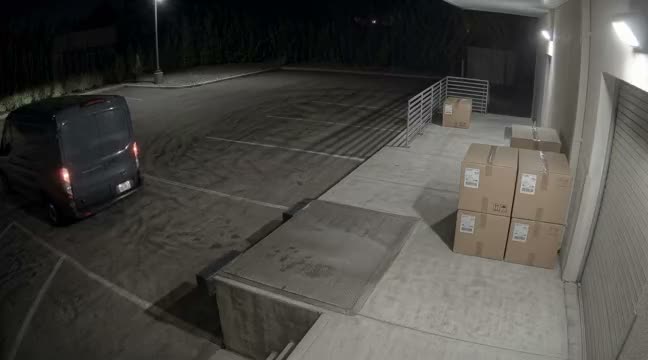
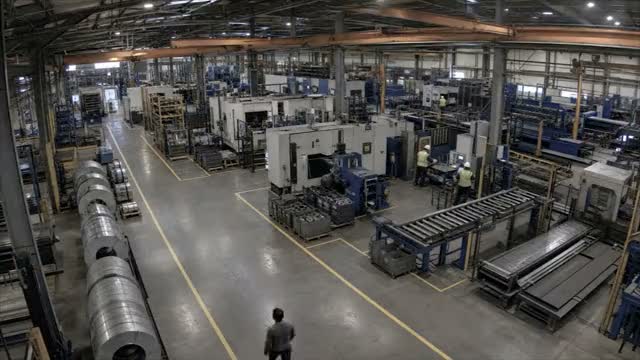
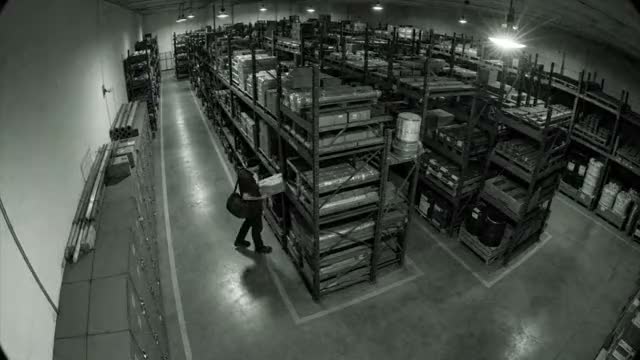
Factory floors, raw-materials storage, and loading docks.
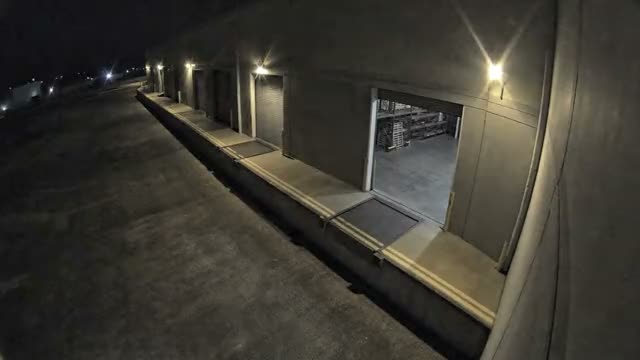
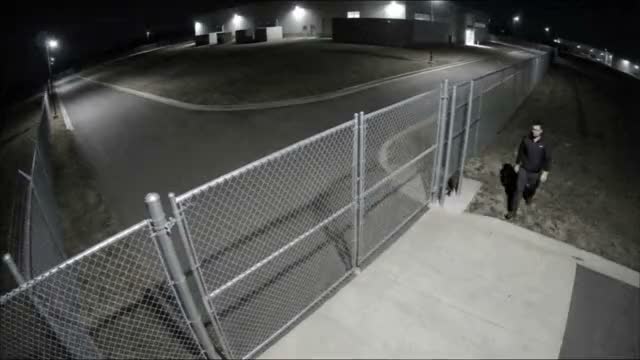
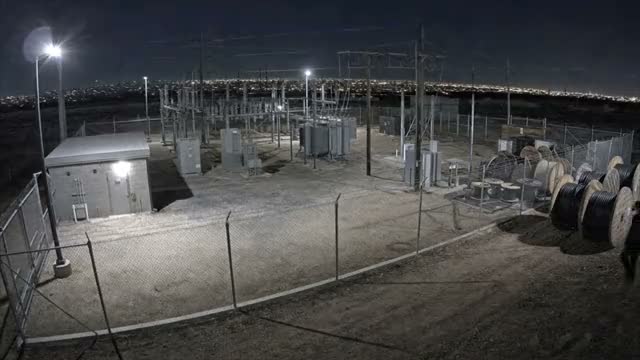
Control rooms, access gates, and hardened perimeters for critical infrastructure.
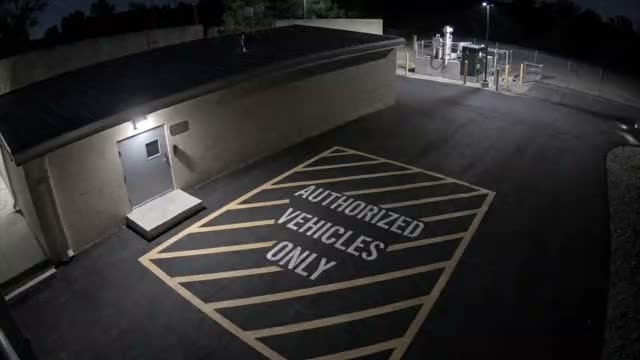
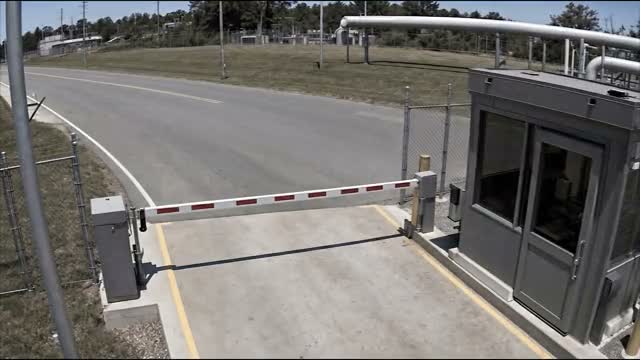
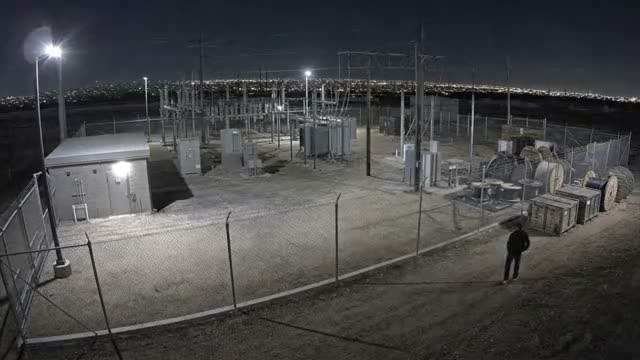
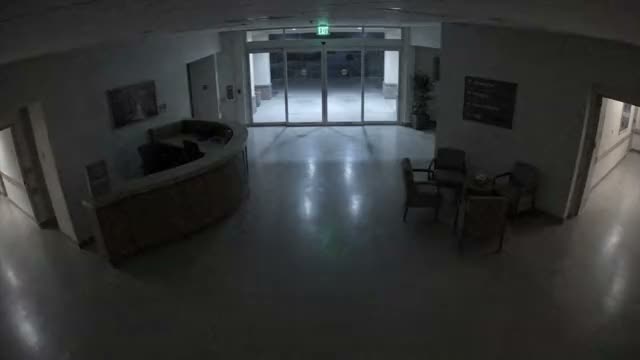
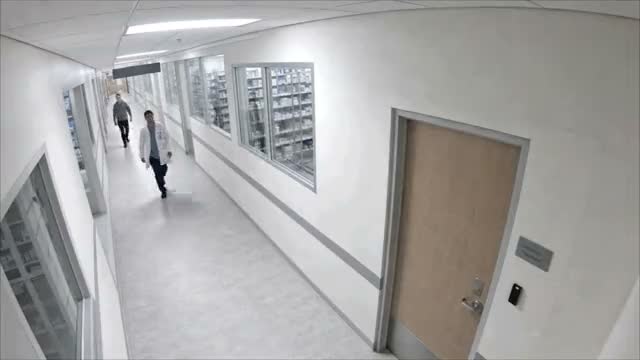
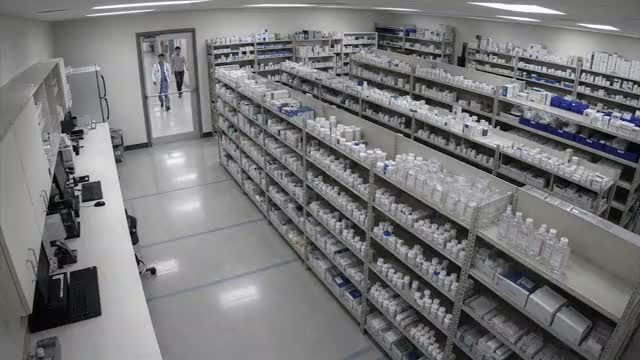
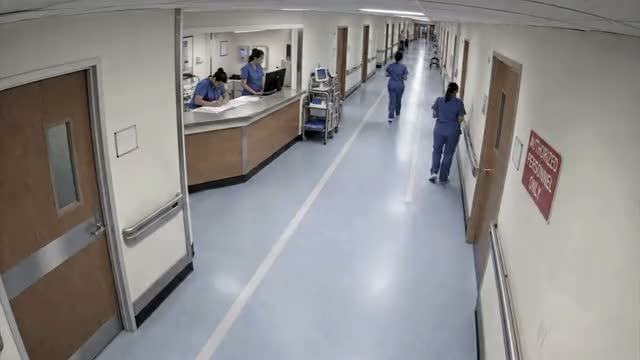
Hospital-site cameras: entrance, pharmacy access corridors, parking structure, and restricted clinical areas.
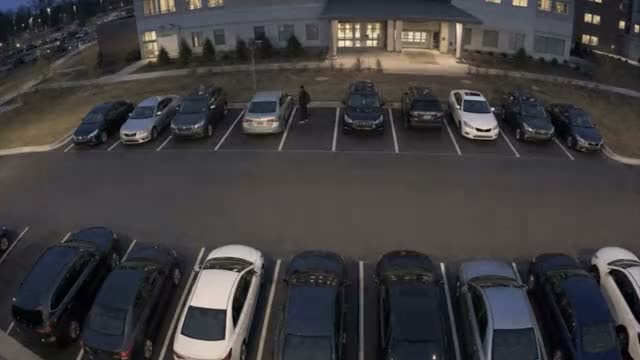
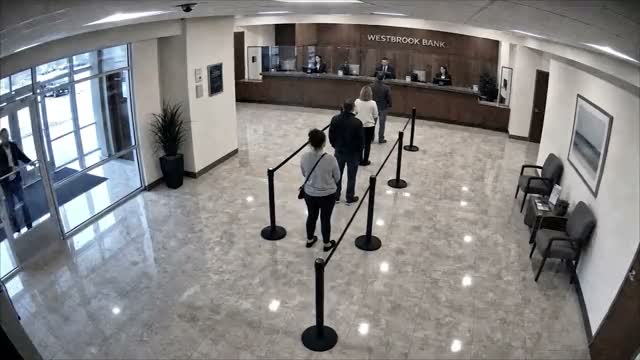
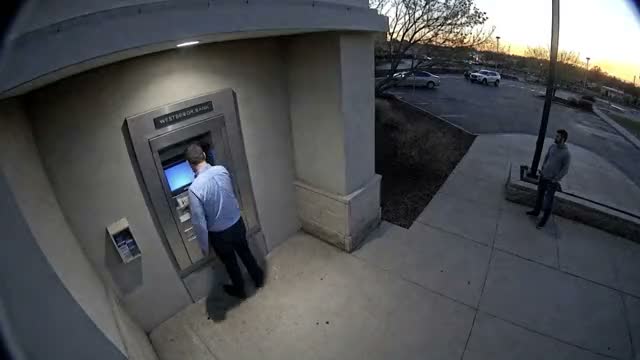
Banking-hall, ATM, and lot environments.
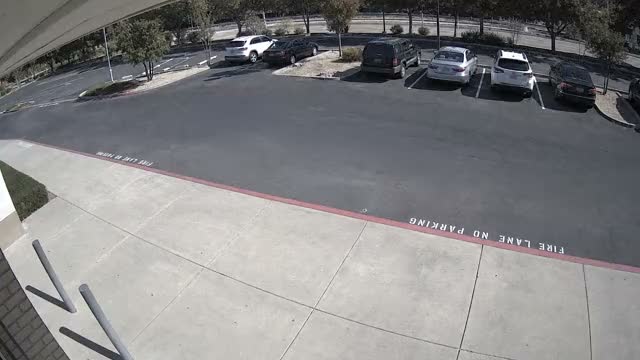
Every reel is synthetic: no cameras, no actors, no one at risk. Generative AI run like a film set.
Three client review rounds shaped the pipeline. Stills are cheap, video is not.
Angles
Three stills per camera. The client picks where it is bolted and what it sees.
People and action
Who walks through, what they wear and carry, the moment of the event. One look across all five cameras.
Extend and lock
The approved frame goes to video at full length, camera ID and timecode burned in.
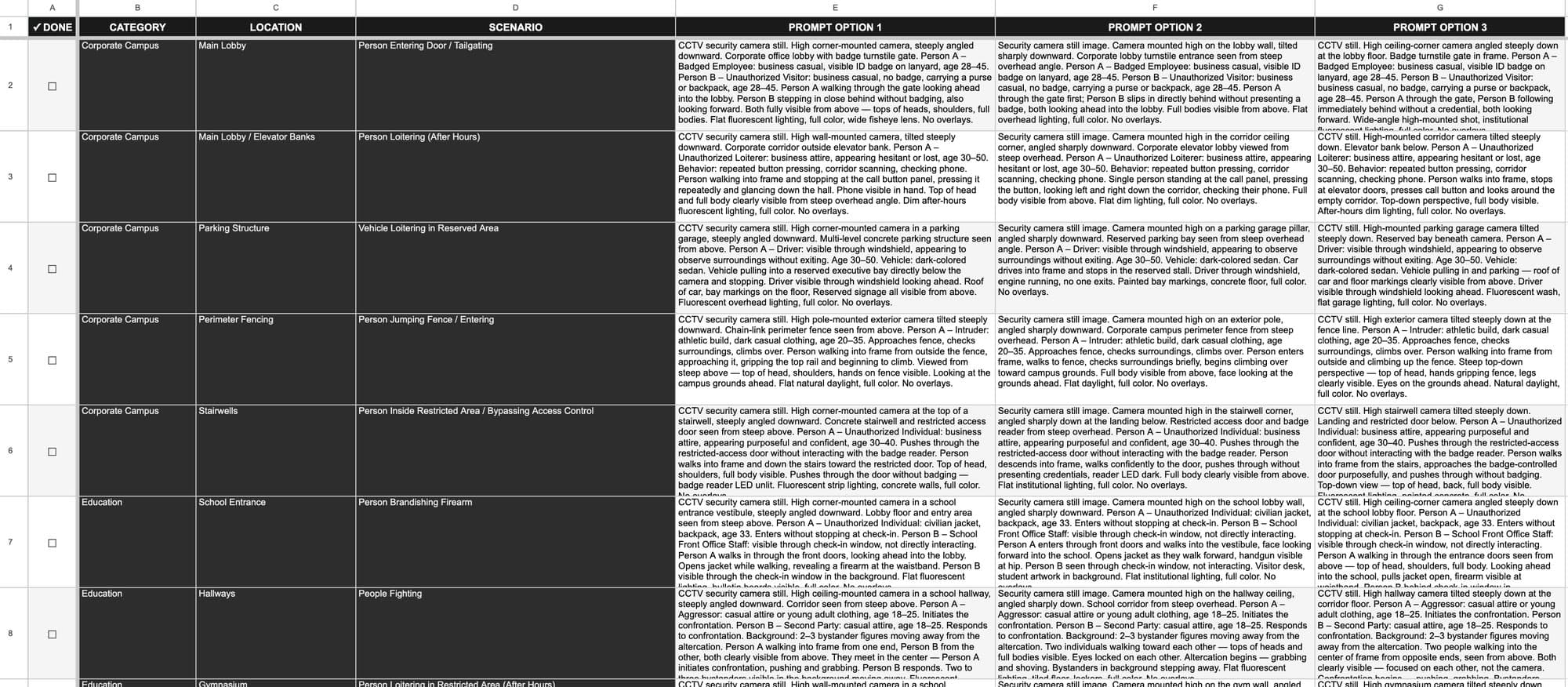
Ideation. Every scene starts in the spreadsheet by industry and location, several prompt variations each.
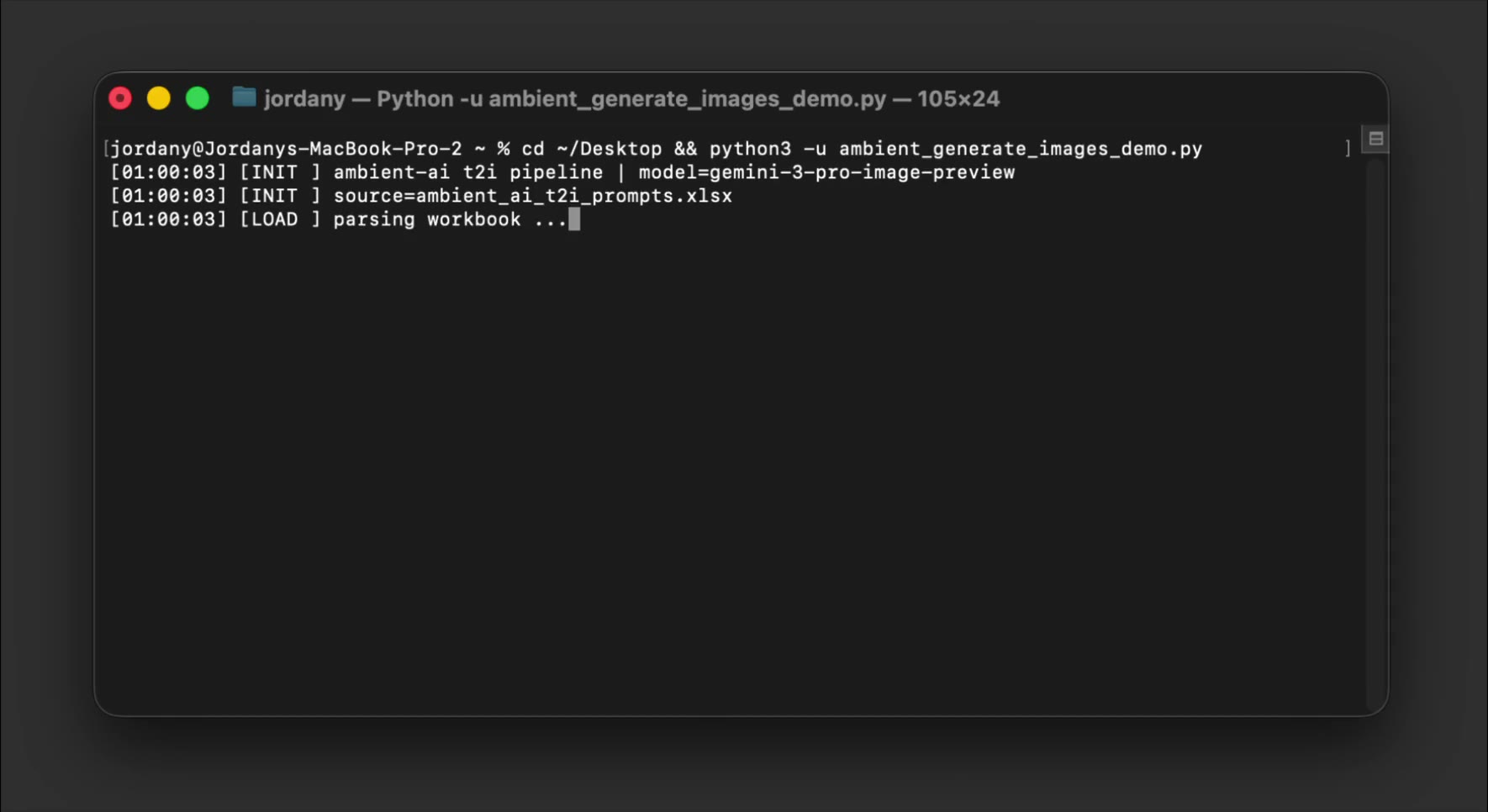
Automation. A Python script runs every row through Google's Gemini 3 Pro Image (Preview). Hundreds of variations, one render queue.
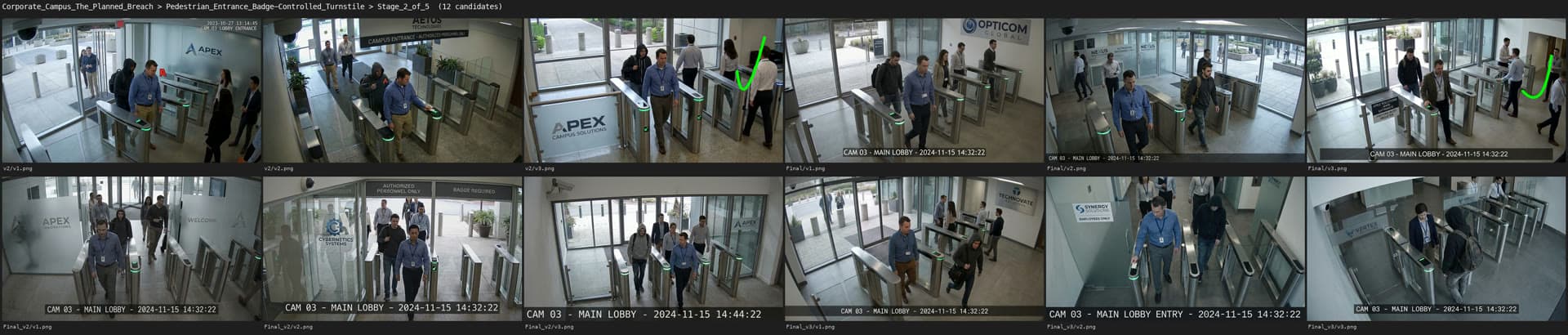
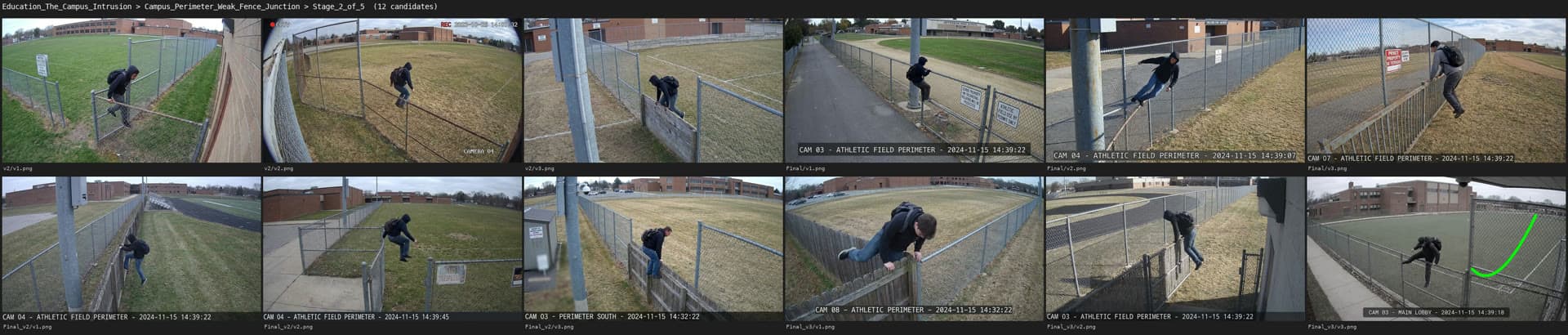
Selection. Contact sheets compare framing, lighting and the surveillance read. The strongest plate locks before motion.
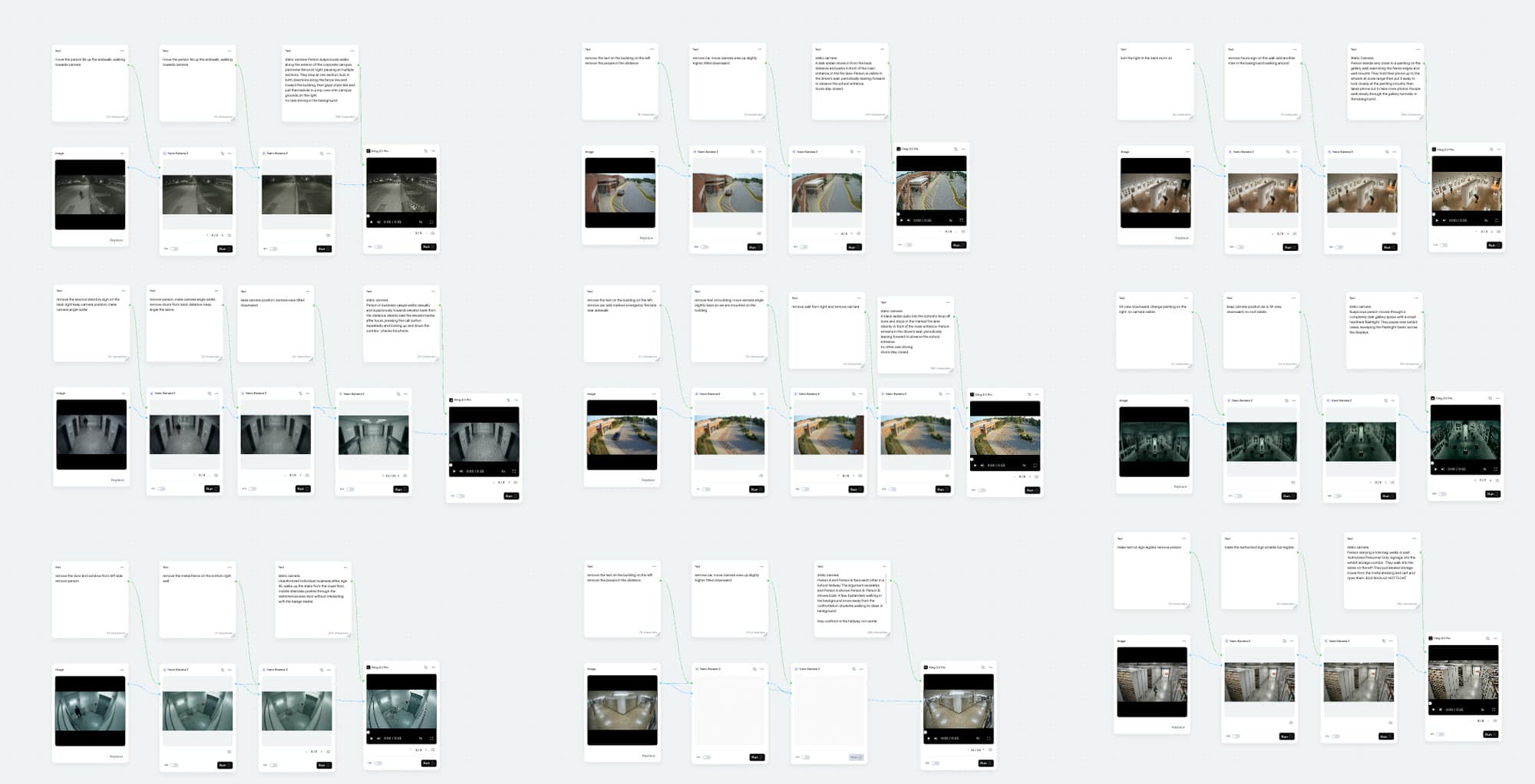
Refinement. A node graph retouches artifacts and holds wardrobe, environment and camera character across a sequence.
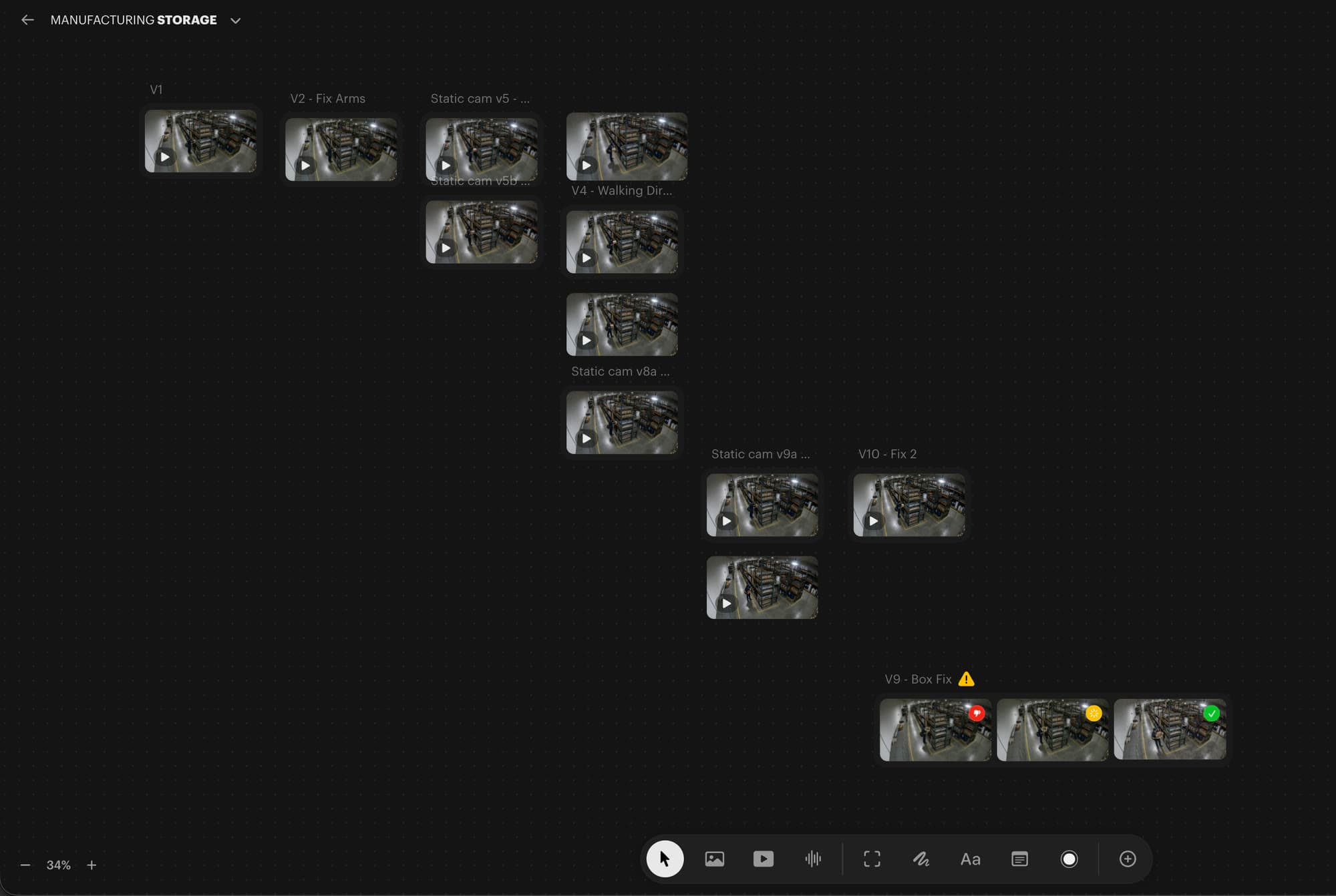
Animation. Image-to-video from the locked frame. Each branch re-rolls one problem (arms, walk direction, a drifting box) until a take reads clean.
Generations rarely came out clean. Usable parts cut from several takes, artifacts masked, subjects rotoscoped so they read at the top of frame.
After delivery the scripts became one portable pipeline: sheet in; contact sheets, selects, DVR chrome and camera wall out. Live mode renders a new scene in under twenty seconds.
Six stages, four of them code, one Python file each. Orange cards mark the two calls a person makes.
Sheet to stills
Builds each prompt from the sheet. Camera placement lives in code, one mount per kind of location, so one fix reaches all 47 scenes.
Contact sheets
One sheet per industry, a row per scene, a tick box per option. The client answers with a letter.
A person picks
Framing, lighting, whether it reads as a real camera. The taste call stays with a person.
Selects and a brief
The picks by scene, each with a one-page brief: the client's requirements verbatim, the choice and why, an animator checklist.
Directed takes
Image-to-video, many takes per scene, each re-roll fixing one problem. A person picks the take.
Chrome and the wall
Camera ID, site, scene, date and a running clock burned in, then every feed tiled into a wall, still and loop.
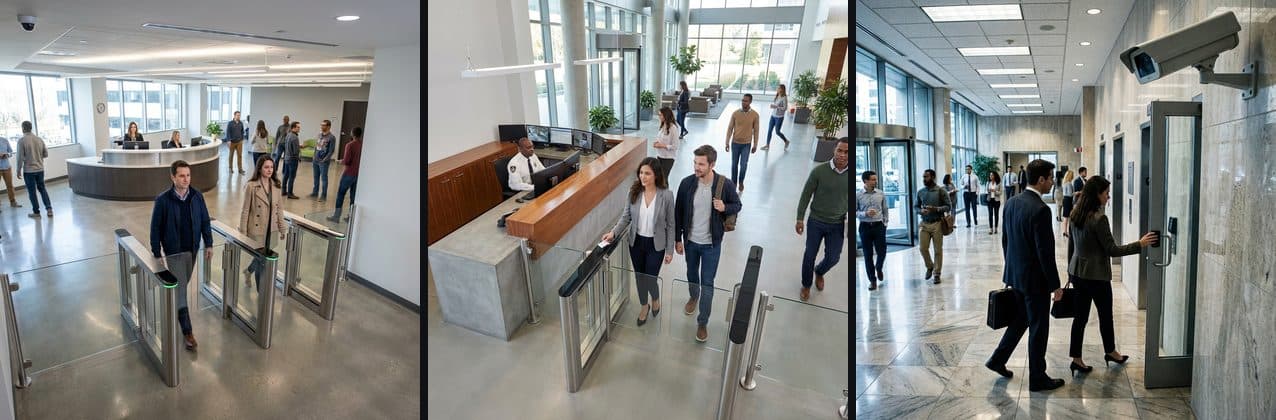
Options. Three angles for one tailgating scene, one row. The middle one went to video.
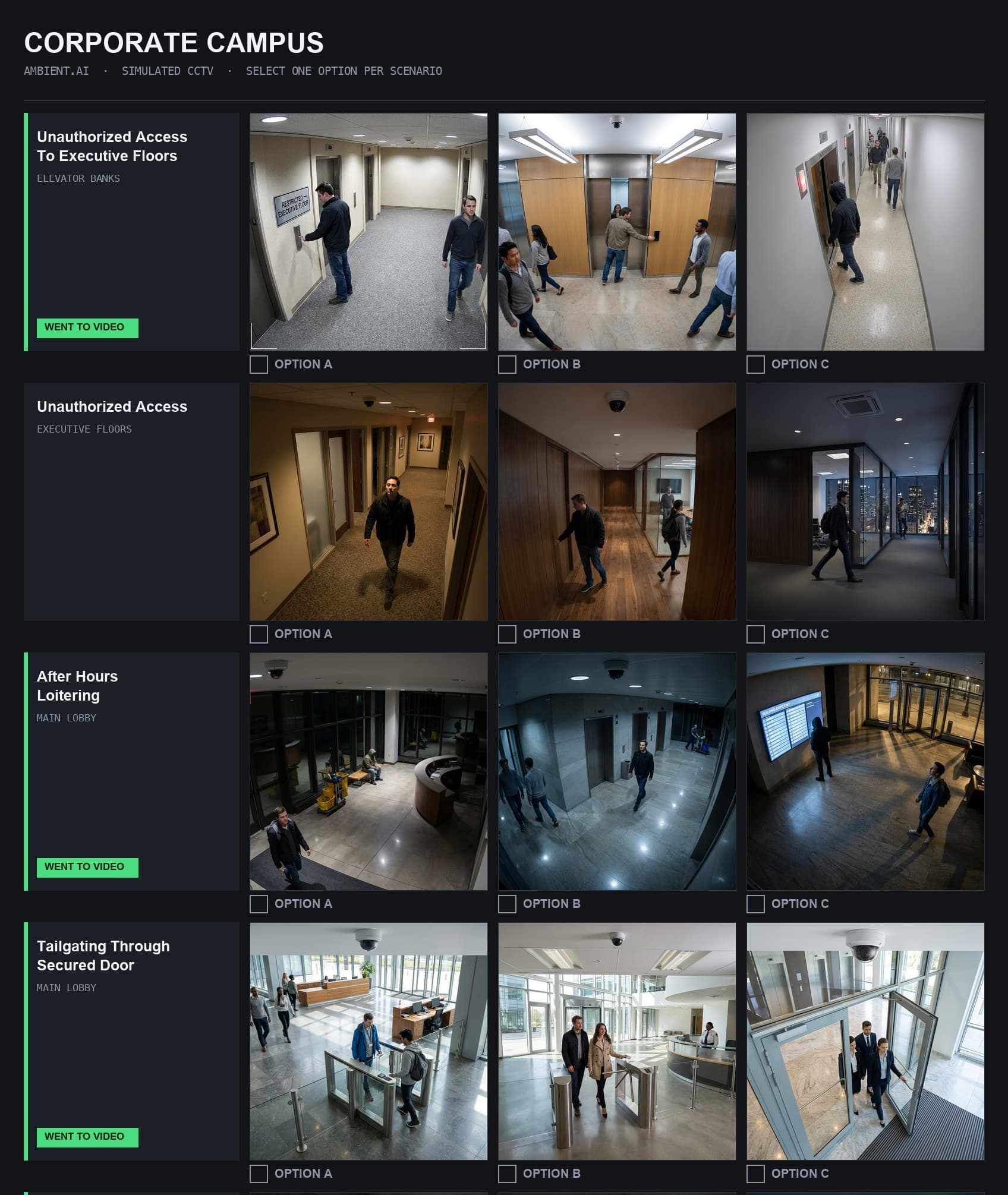
Review. Rows that went to video are marked from the finished clips on disk, so the sheet stays true.
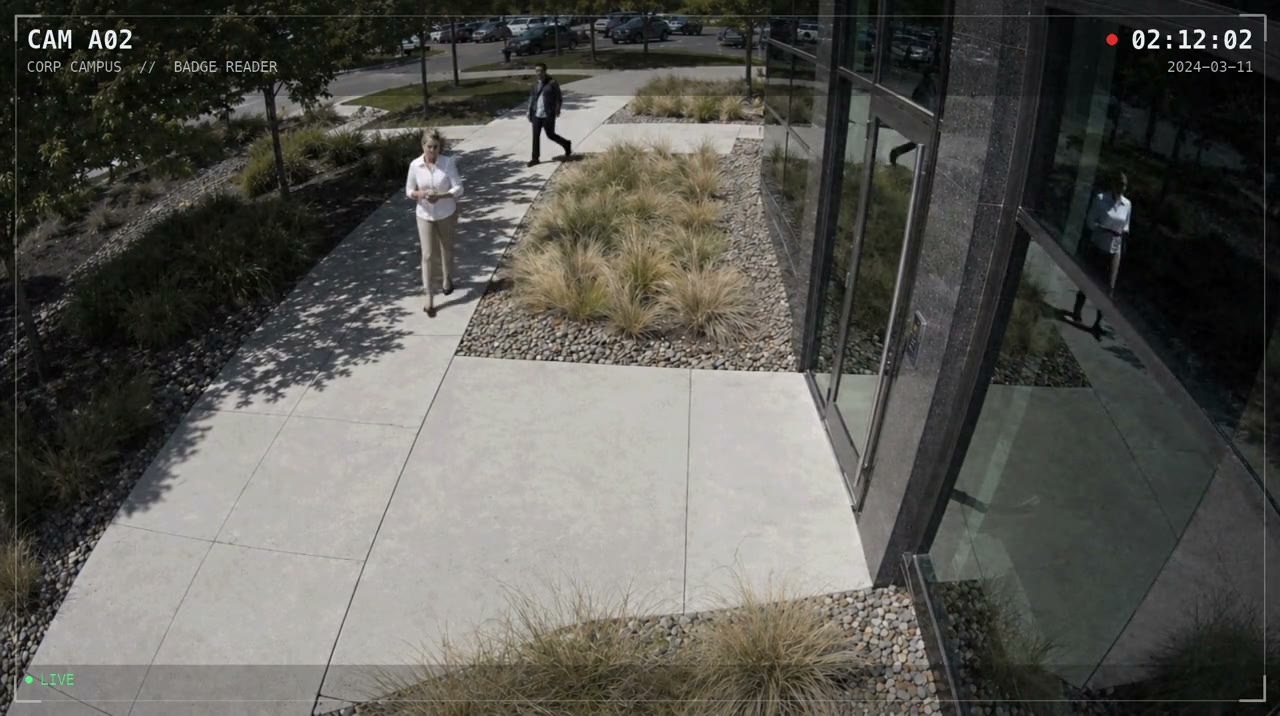
Finish. DVR chrome burned in after the fact, plus REC and LIVE, per clip or per folder.

One clock. All five Planned Breach cameras share one continuous timecode: one night on one system.
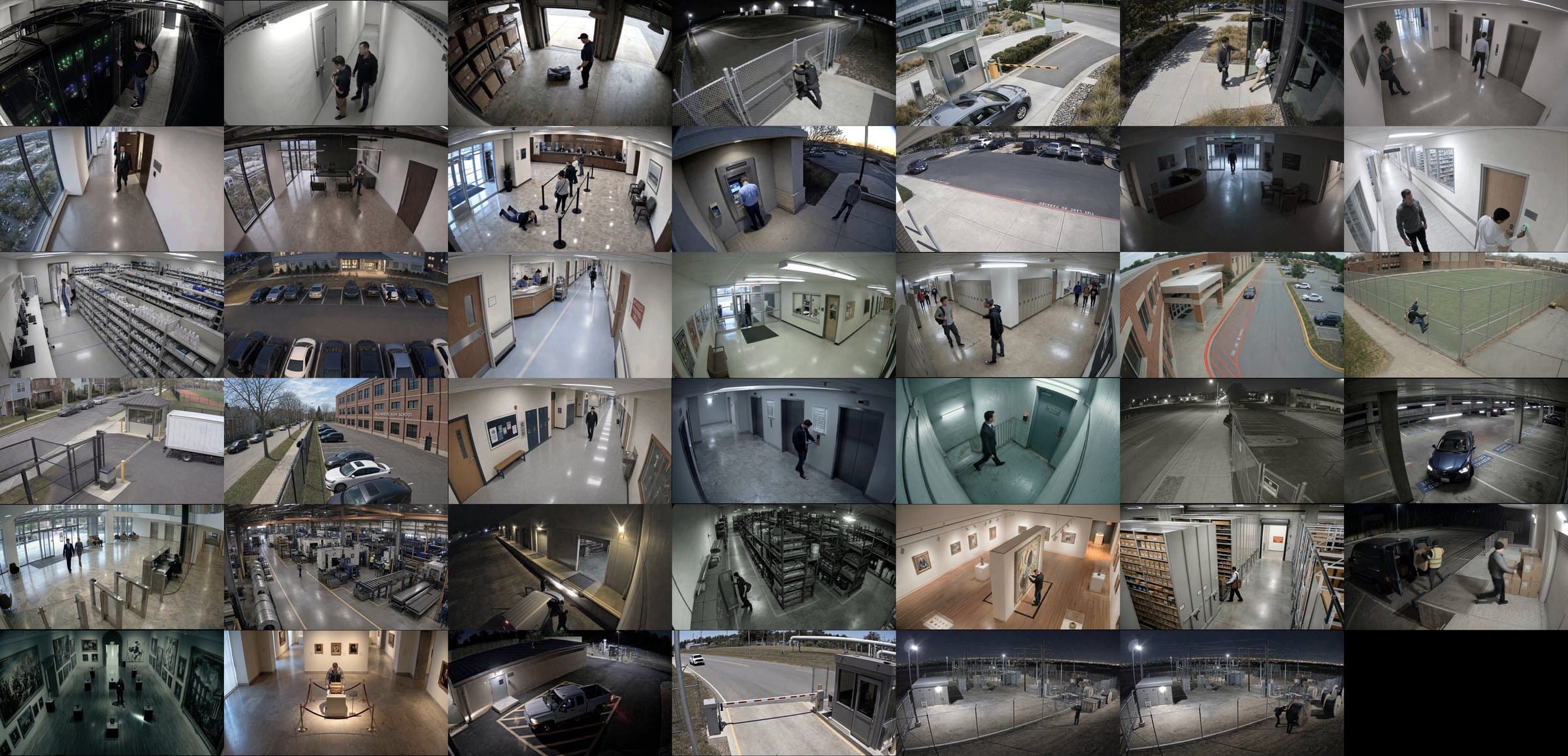
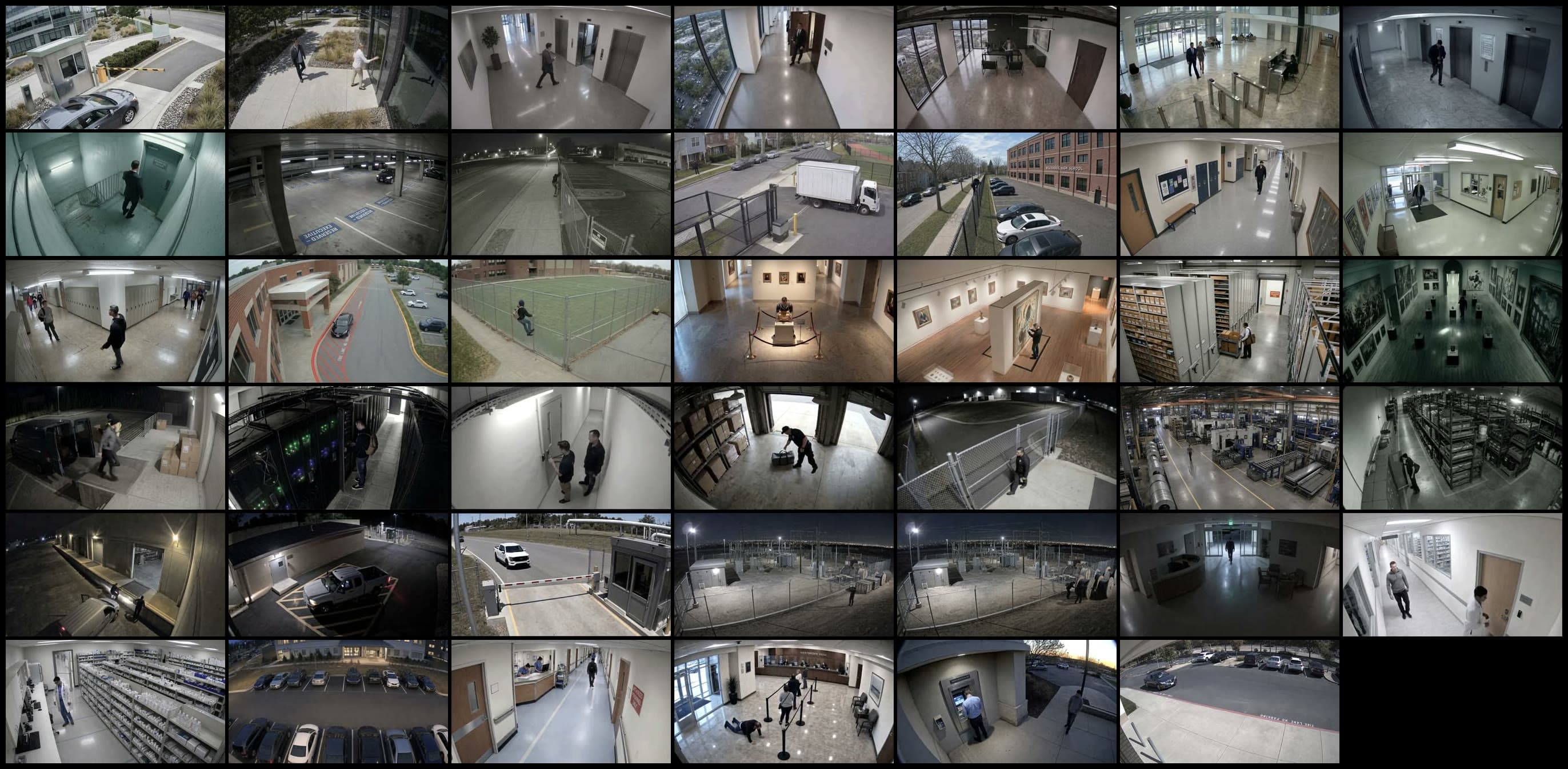
The wall. Forty-one cameras on a seven-column grid, a still and a loop.
The client's material is confidential, so the pipeline ships with a stand-in: Northlight Security, a made-up video-analytics company, same brief shape and columns.
Three industries, four cameras each, plus a three-stage incident: one intruder from yard fence to cage store, each stage noting what to flag. Live mode ran the whole sheet in under sixteen minutes, straight to contact sheets.
Nothing was retouched or re-rolled. One intruder description repeats at every camera, so the dark jacket and backpack carry from fence to cage. One stage-two option drifts to a blue hoodie; review catches it.
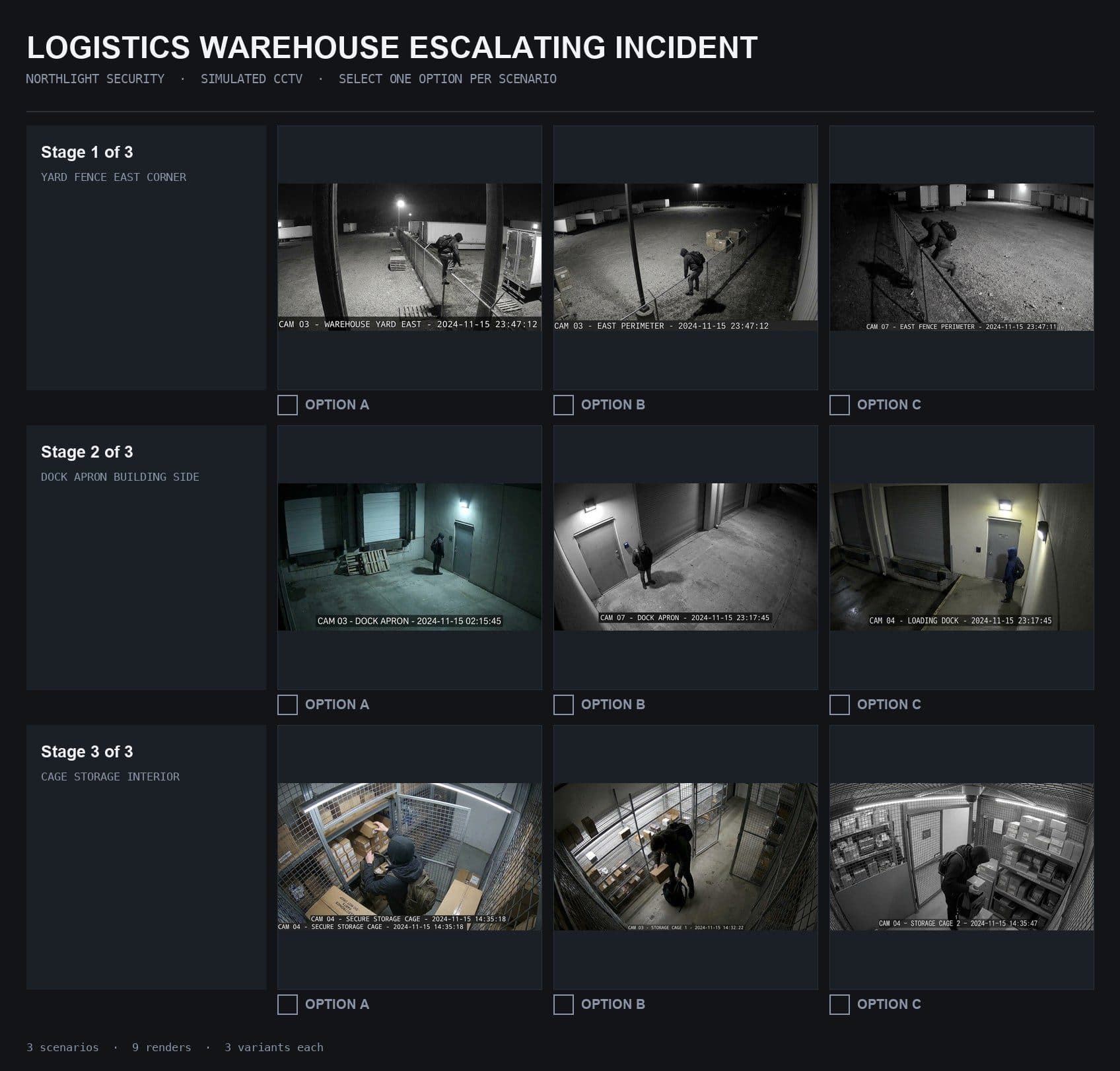
The incident. Three options per stage, one intruder throughout, a tick box under each row.
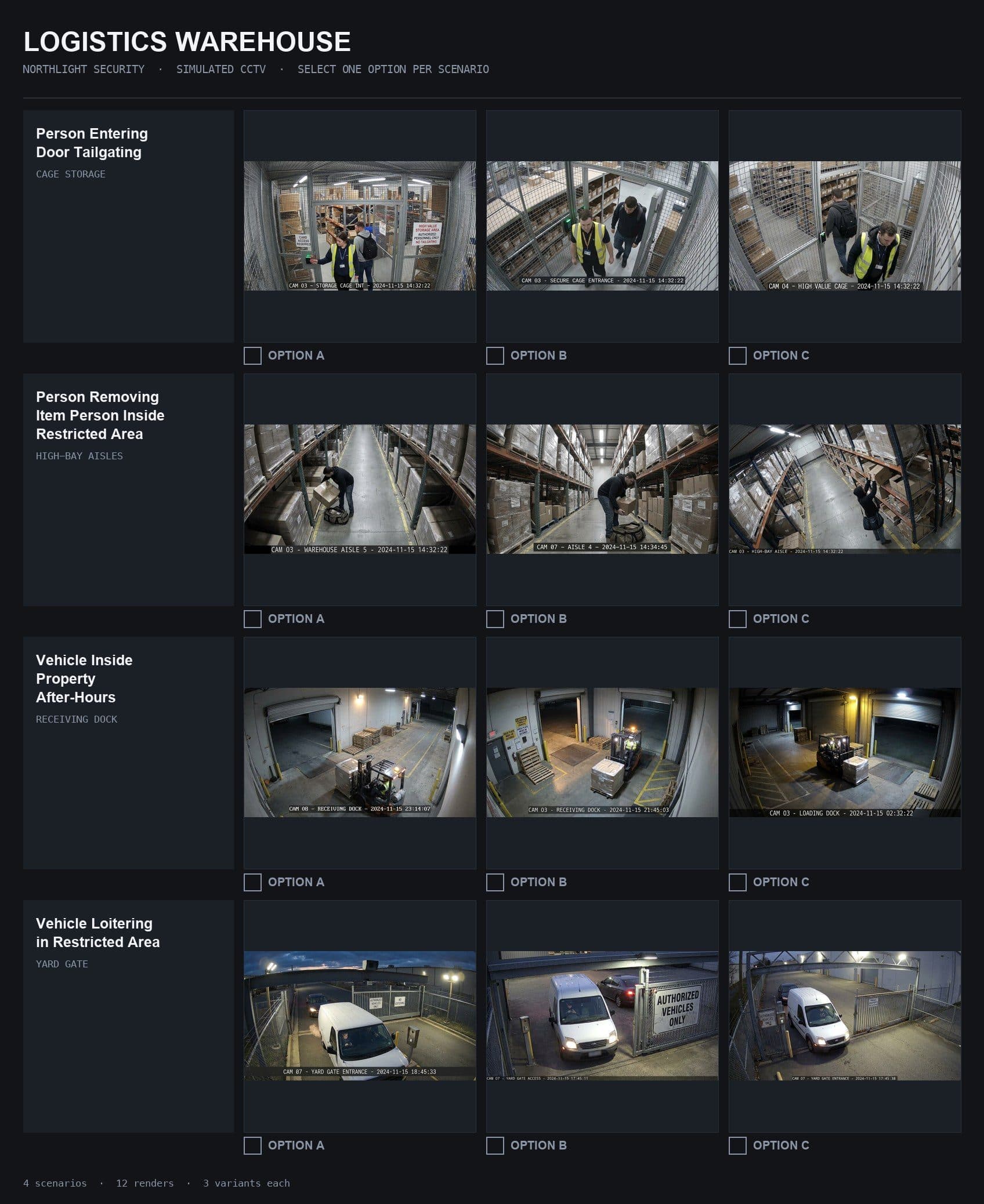
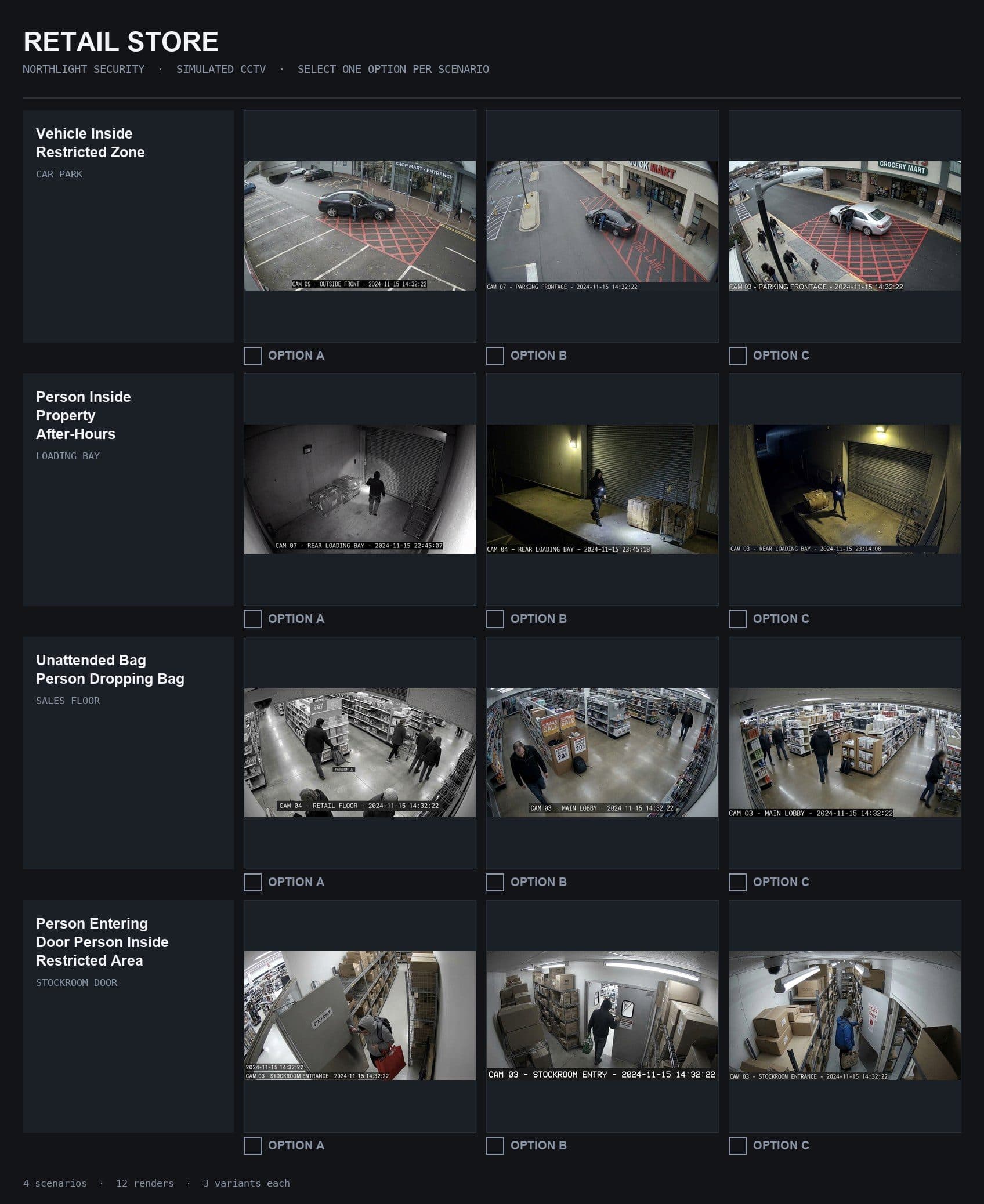
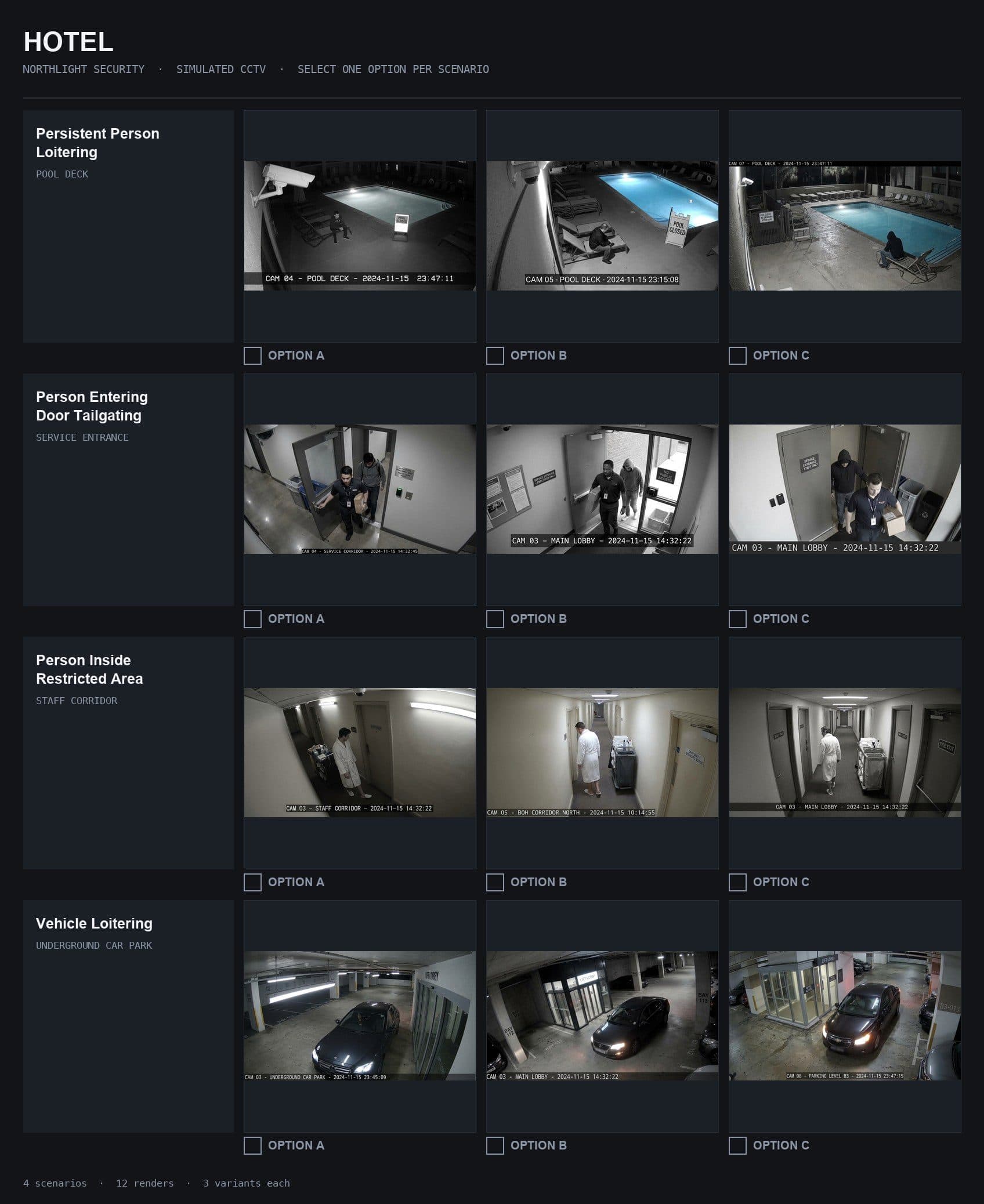
Three industries. Warehouse, retail and hotel, one sheet each. A new industry is a few more rows.
One model per stage, so swapping one never touches the others.
Gemini 3 Pro Image
Every base frame. Live mode: an image every fifteen to twenty seconds. Batch: a whole sheet as one job.
Nano Banana
Node-graph edits: a hand fixed, one person's jacket and bag held across five cameras, a sign cleaned so it reads.
Kling 3.0 Pro, through Runway
Image-to-video from the locked still. Many takes per scene, each re-roll targeting one problem.
After Effects
Compositing across takes, masks over artifacts, rotoscoped subjects. The finishing pass.
Python and ffmpeg
Reads the sheet, writes contact sheets and selects, burns in DVR chrome, tiles the wall. Any Mac; only the generate step needs a key.
Two calls belong to a person: which frame, which take. Both could shrink.
A vision model could pre-sort each contact sheet against the brief's rules: camera above head height, faces visible, legible signage, event in frame. A person still picks.
Same for takes. The brief says what to detect at each stage; check each take against that, and a person watches the survivors.