GEN✴︎LAB is a generative production platform: a node-based canvas, 22 production tools, and 31 frontier image and video models that turn one product photo into a finished campaign.
Live in production behind a private gate: six provider APIs, infrastructure built end to end, zero client work used to train external models.
The workflows below are concept briefs run on familiar retail products: if the pipeline holds real packaging, typography, and brand systems, it holds anything.
Flow Canvas: Photo In, Campaign Out

This graph starts with one handheld iPhone photo of a sneaker and branches into a full social kit: isolated on white, floating studio hero, on-feet close-ups, an outdoor-court relocation, and three animated clips rendered in parallel through SeeDance 2, Veo 3, and Gemini Omni Flash.
SKU Swap: Master to New Variant

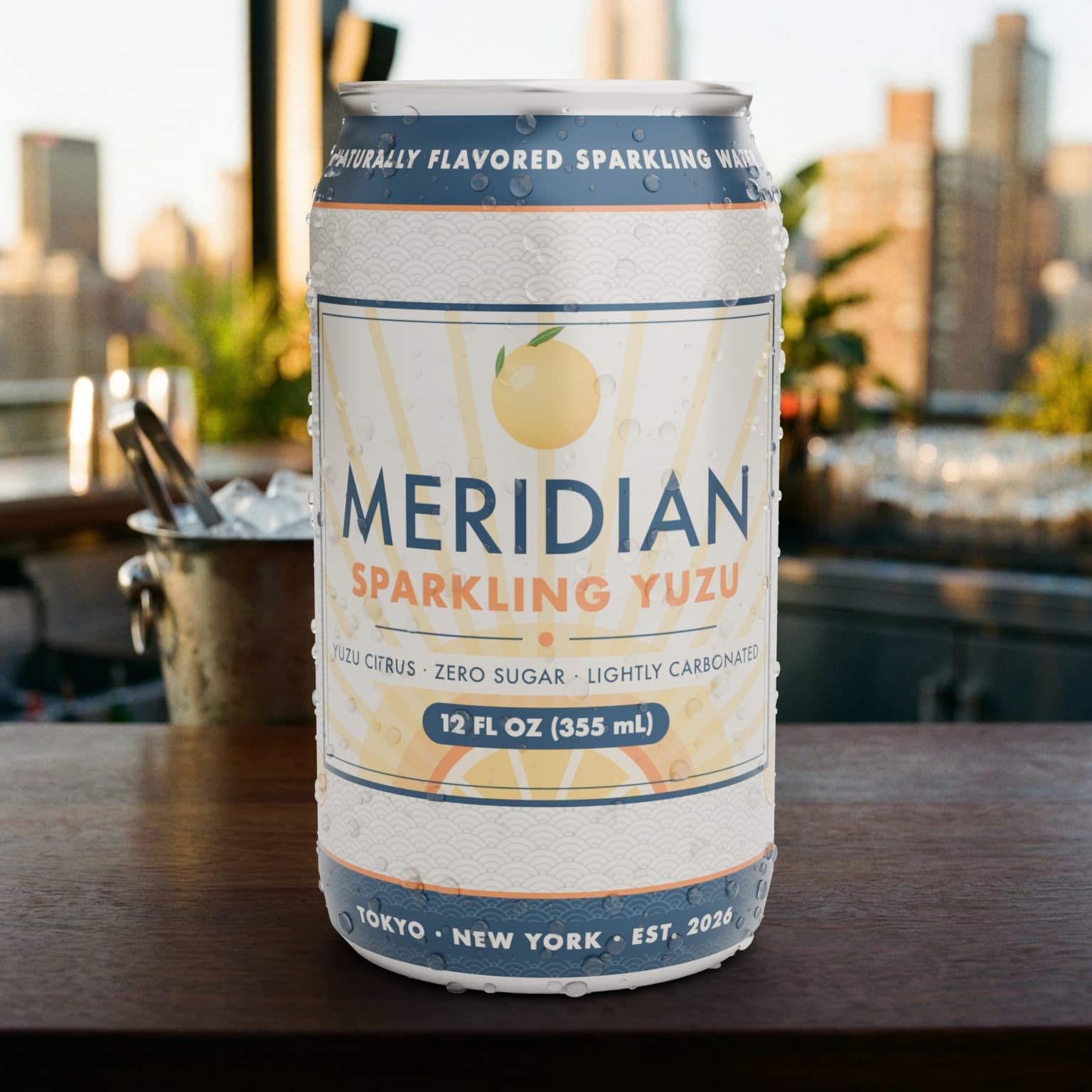
One SKU has a finished hero spot; the brand needs it for another. A Frame Grab node pulls the key frame from the Glacier Mint video, Nano Banana Pro swaps in the Smooth & Silky packshot while keeping the layout and "NEW" banner, and SeeDance 2 re-renders the motion from the original spot.
A finished master becomes an on-brand variant in minutes, and time-to-activation drops from weeks to a working session.
One Brief, Every Model
Creative Direction by Comparison
No single model wins every brief. Multi mode fans one prompt and one product reference across FLUX 2 Pro, SeeDream 4.5, GPT Image 2, and both Nano Banana generations at once, so ten on-brand concepts land side by side in one run.
- 31-model registry, one interface
- Swap models without re-prompting
- Batch + Multi + Campaign ratios
- Side-by-side results in one grid

UGC Creator: Brief In, Video Out
Performance marketing burns through creative variants, so UGC has its own pipeline: a structured brief in, a lip-synced creator video out.
The Structured Brief
Brand, audience, campaign goal, and key benefit go into a structured form; environment chips set the scene, and brand guideline PDFs are parsed straight into the brief.
- Vertical picks the compliance ruleset
- Casting realism control, anti-glam by default
- Reference uploads parsed into the brief


Script + Casting Variations
Each concept arrives production-ready: a script with dialogue, visual direction, on-screen text, and timecodes, plus talent variations holding the real product in the real setting. Compliance reads as chips: brand mention by shot two, one clear benefit, a natural CTA.
- Shot-by-shot script with timecodes
- Diverse hero-talent variations per concept
- Optional b-roll set per concept
The One-Take Video
Pick the hero shot and the whole script becomes one continuous, lip-synced selfie take: same face, wardrobe, and product, no cuts. A neutral-wording toggle softens regulated-vertical language before it trips ad moderation, and the result downloads ready for paid social.
- Full-script single take, lip-synced
- Identity locked from still to video
- Neutral wording for regulated verticals


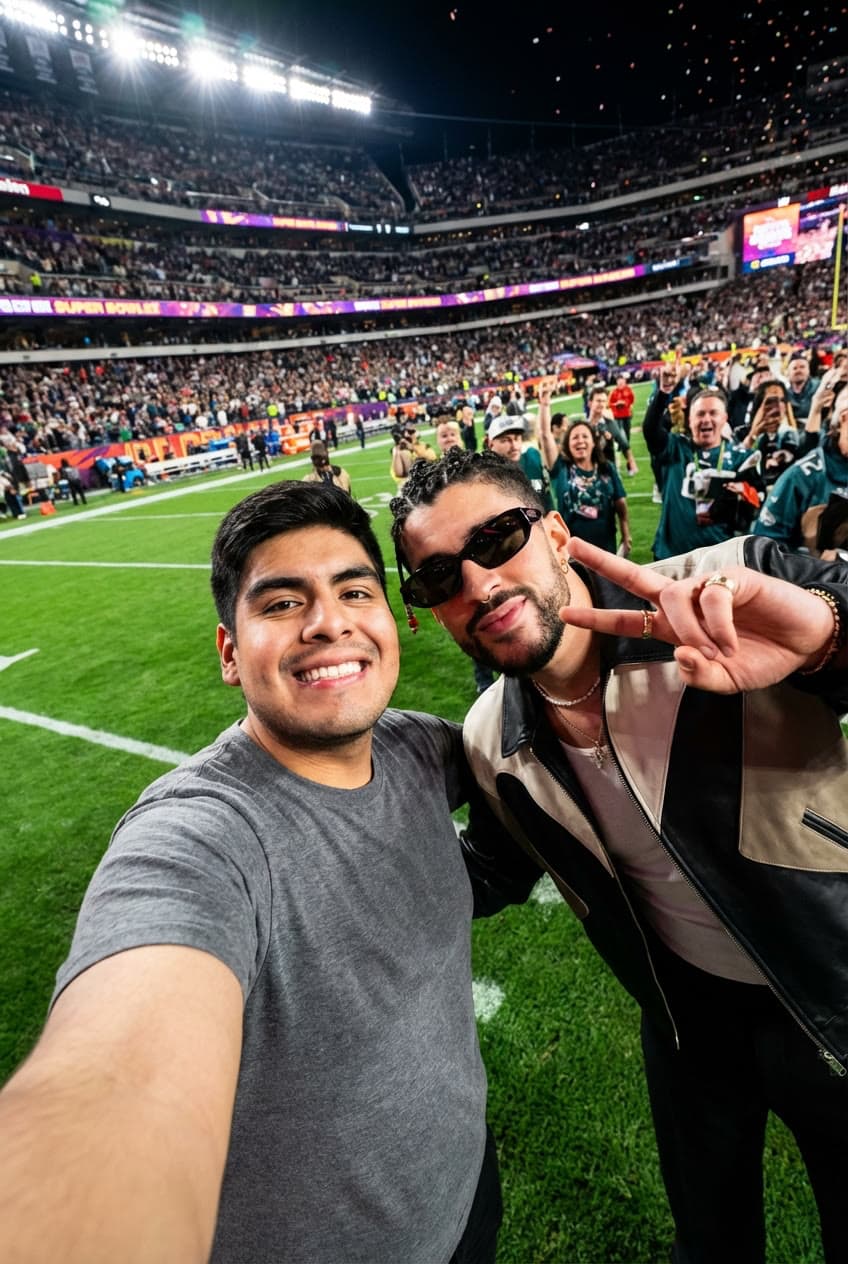
The same engine batch-produces creator-style stills from any packshot: different faces and rooms, product true to its packaging.
Review Built In
Every Asset Knows Its Own Story
Every asset opens into a lightbox with full provenance (prompt, model, provider, quality tier, dimensions, timestamp) and a Frame.io-style notes thread with drawn annotations. An approved still chains into video, recomposition, or a recreate.
- Notes + drawn annotations per asset
- Full prompt and model provenance
- Projects group assets by campaign
- Turn to Video / Recreate / Comp chaining

Version 1: The Foundation
2025 · Where the platform started
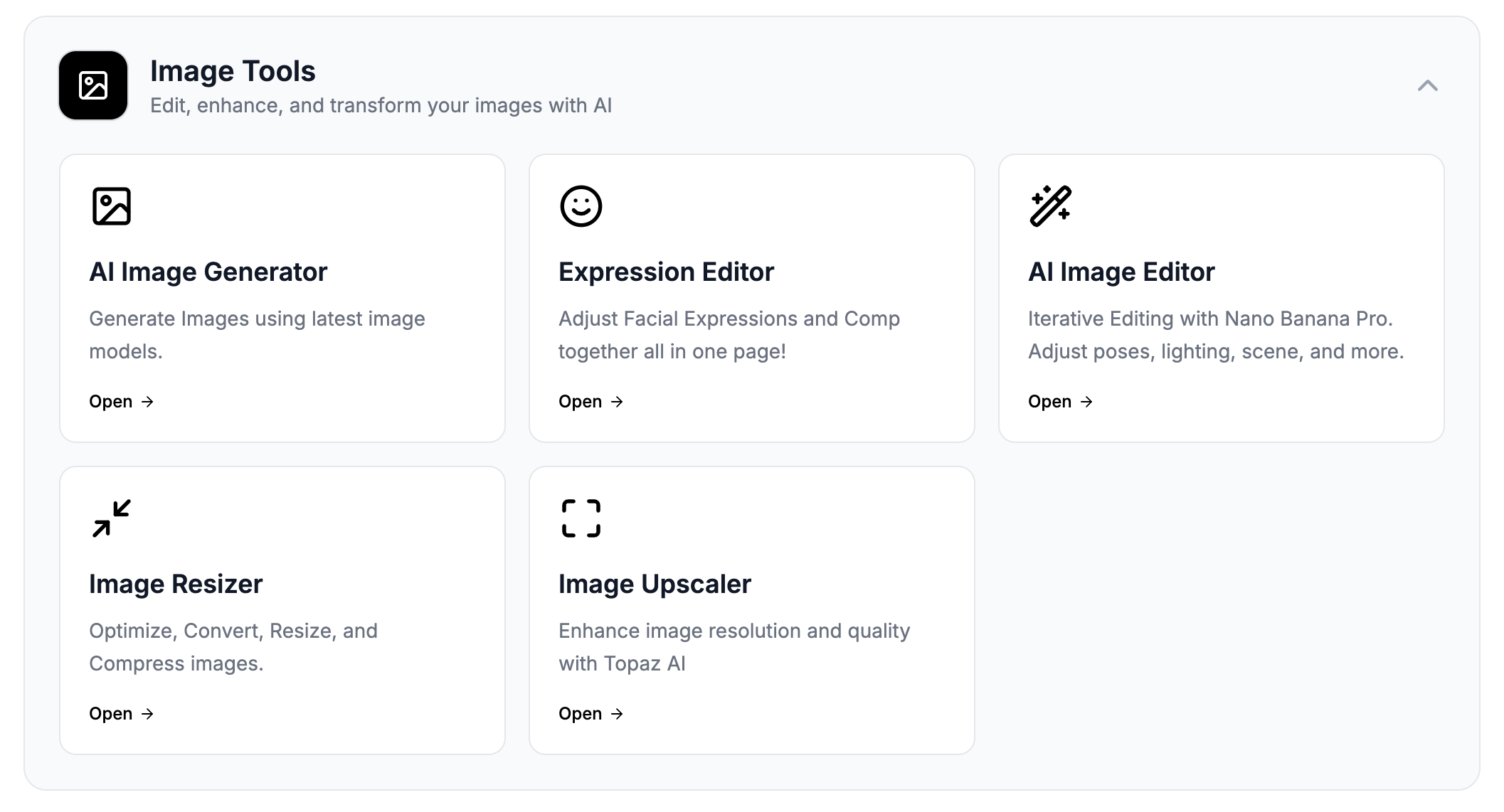
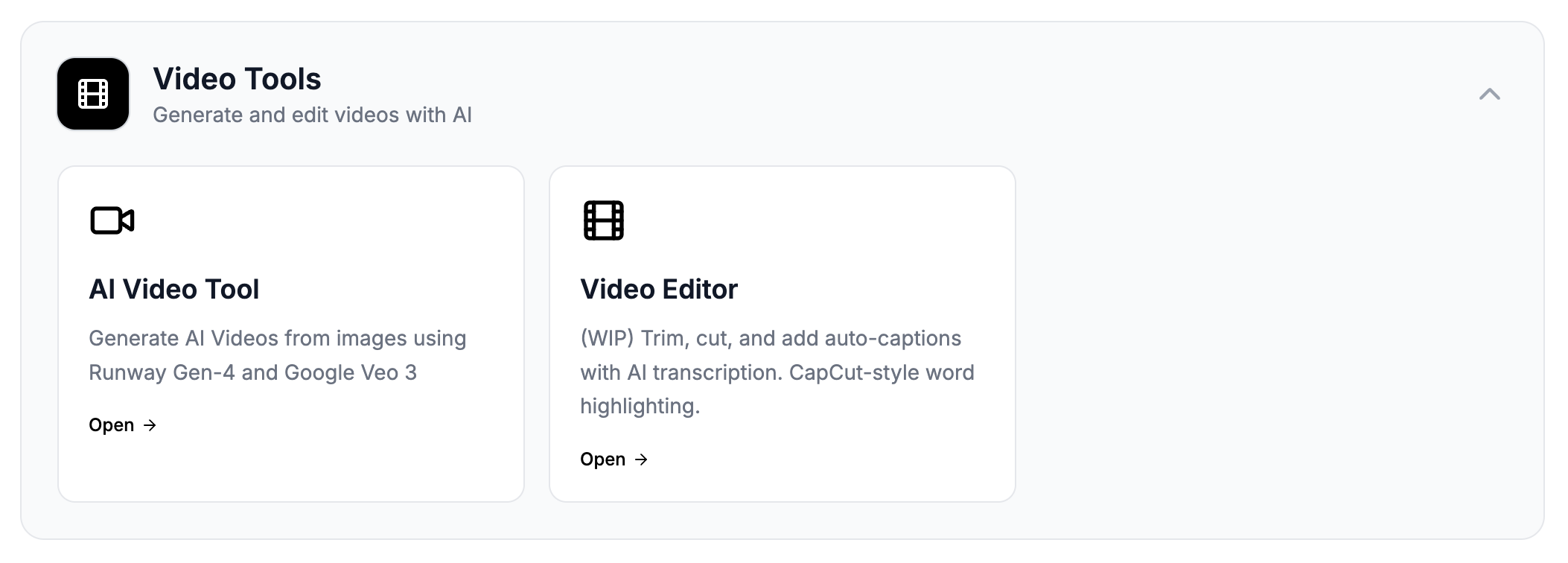
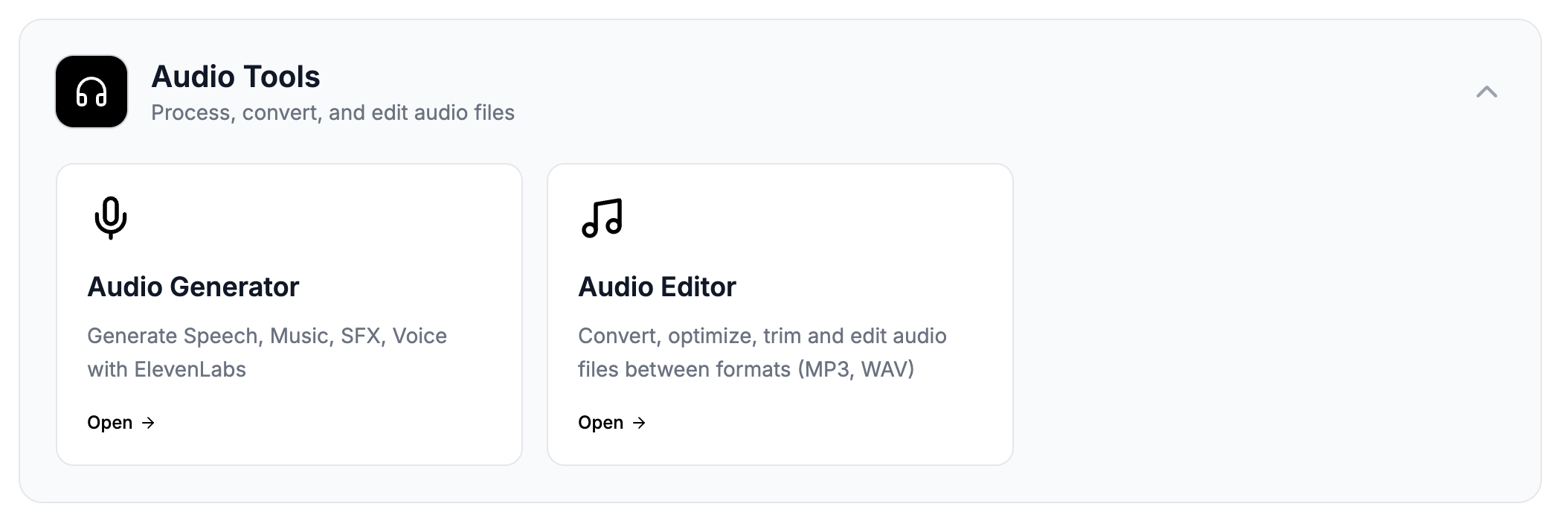
GEN✴︎LAB grew out of a custom toolset that replaced scattered subscriptions: image generation, video animation, audio production, and media optimization in one hub with direct API integrations. V1 proved the thesis; V2 made it a platform.
Why Build Custom
Data Sovereignty
No client asset or unreleased campaign passes through a consumer AI product; every call routes through my own infrastructure to zero-retention endpoints, so nothing is kept or used for training.
Speed
A brief becomes a node graph, and the graph becomes assets: generation to approved variant on one canvas in a working session, no app-hopping.
Model Independence
Thirty-one models across six providers behind one interface. When a better model ships, it slots into the registry and every workflow inherits it.
Control
Custom system prompts, tuned parameters, reference-image pipelines, and baked-in production standards keep output consistent and on-brand.